Turn one Google Slides template into a deck made for each buyer.
Personalized decks fill a Google Slides template with each buyer's details: their company name and logo from Attio, and their goals, challenges and next steps from your calls and the room's plan. foyai makes a separate copy for each room when you add the deck, and you can edit that copy in Slides before you publish the room.
Updated
Five tokens filled in for Kestrel Payments.
A fictional example: slide 2 of the Quillstone intro deck, and the copy foyai made for a room with Amara Osei, CFO at Kestrel Payments. The numbers match each token to its value.
{{company}}Attio: the company on the dealKestrel Payments{{logo}}Attio: the company's logo, placed as an image in its own shapeKestrel's logo{{first_name}}Attio: the primary buyer contact on the recordAmara{{goals}}Your calls: the goals the buyer stated, up to three linesThree goals from the discovery call{{next_steps}}The room's action plan: open steps in order, up to five linesThe next three steps on Kestrel's planRegister your Slides deck once, for the whole team.
Put tokens in your deck
Type {{company}}, {{goals}} or any field from the list below into text boxes in Google Slides. Case and separators don't matter: {{First Name}} and {{first_name}} both work.
Add it to the Content Library
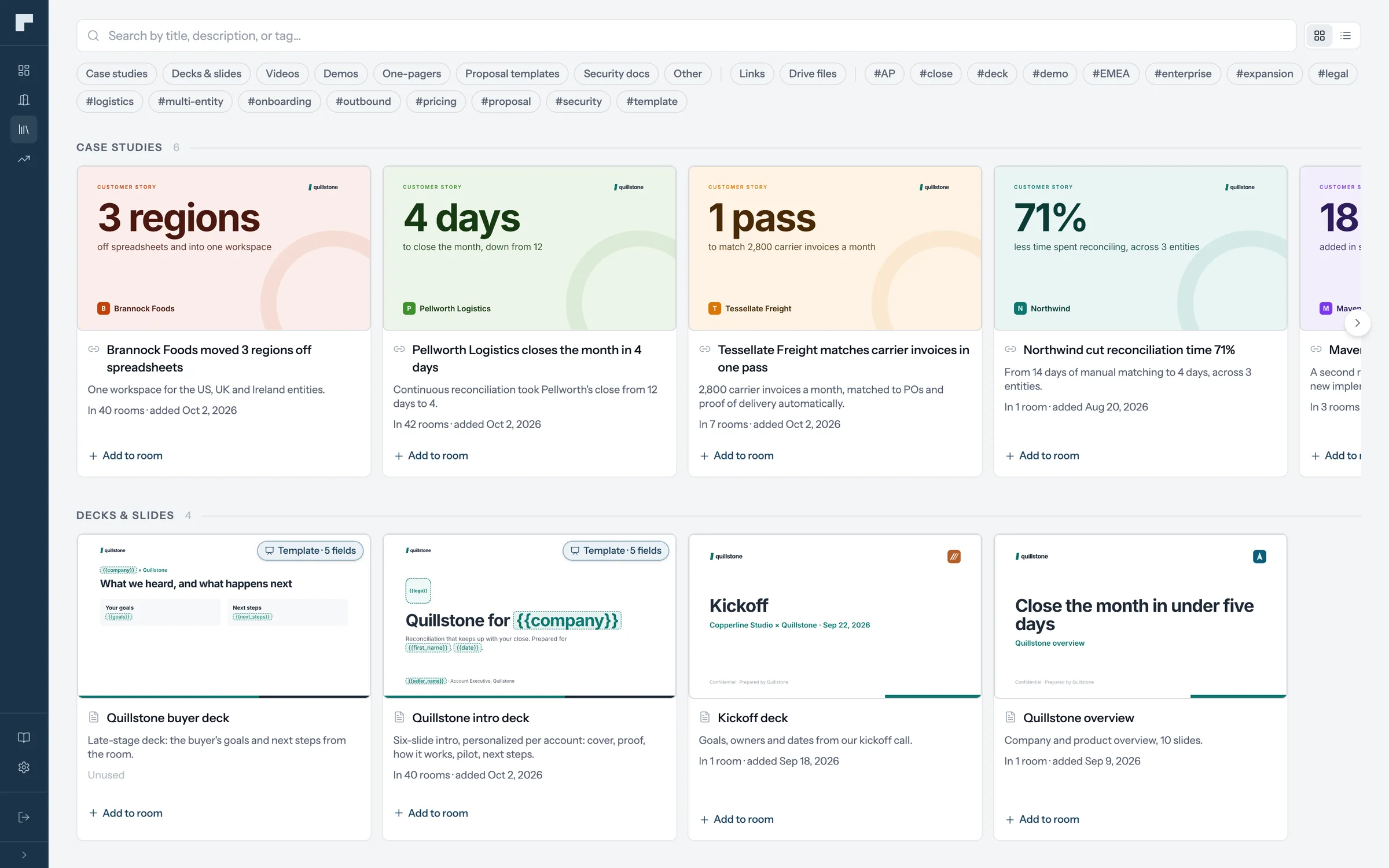
Content Library → Add deck template, then pick the file from Google Drive.
Check what was recognized
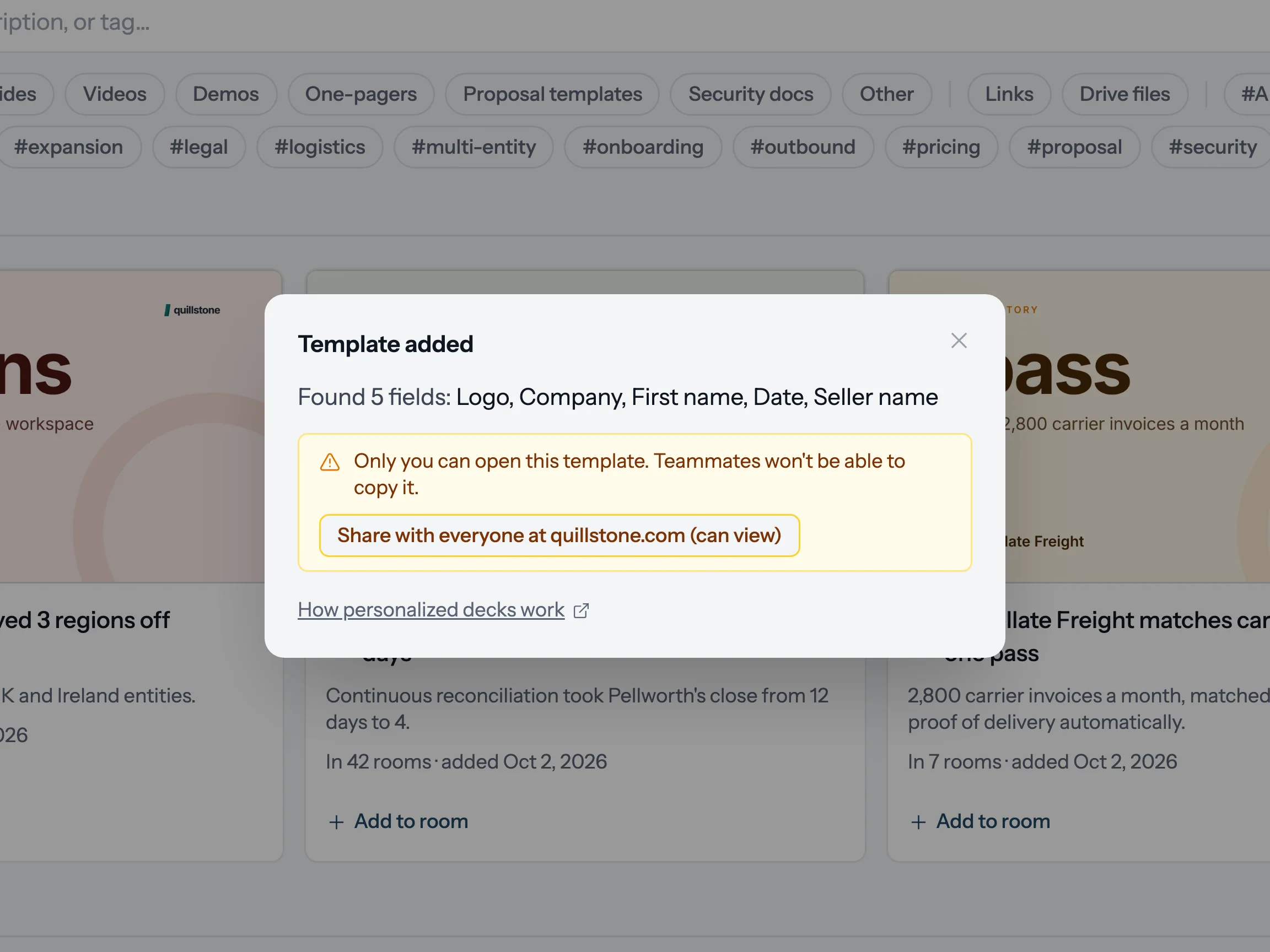
The scan lists the fields it found and warns about any it didn't. Unrecognized tokens are left as typed, so fix the spelling and pick the file again.
Authorize it the first time
Google asks each person to authorize a template once. After that, decks from it go straight through.
Layout tip. Put {{goals}} or {{next_steps}} in a bulleted paragraph and each line becomes its own bullet. Text doesn't shrink to fit, so leave room: goals are capped at three lines and next steps at five. Give {{logo}} a shape of its own.
Tokens fill in from Attio and from your calls.
From Attio and your profile
{{company}}The buyer's company name{{logo}}The buyer's company logo{{first_name}}{{last_name}}{{full_name}}The primary buyer contact{{deal_name}}{{deal_value}}{{deal_stage}}The linked Attio deal{{seller_name}}{{seller_email}}{{seller_title}}The room's owner, from their profile{{vendor}}{{date}}{{room_url}}Your company's name, today's date and the room's link
From your calls and the plan
{{call_summary}}A summary of the most recent call{{goals}}Goals the buyer stated, up to three lines{{challenges}}Challenges they raised, up to three lines{{integrations}}Integrations they said they need{{recommended_case_study}}The case study recommended for them{{next_steps}}Open steps from the room's action plan, in order
A field with nothing to draw from, such as goals on a deal with no calls yet, is left blank and listed as missing on the room's deck section. The full field reference, with length limits
Every room gets its own editable copy.
When you add the deck to a room, foyai copies the template and fills every token it recognized. The copy is a normal Google Slides file in a Foyai decks folder in your own Drive, and you own it.
Open it from the room with Open in Google Slides and change anything. Your edits reach the room within a few minutes. Regenerate fills a fresh copy from the room's current data, for example after a new call, and replaces your hand edits.
foyai doesn't create a public link to the copy. Buyers see the deck inside the room after they pass its access check, so forwarding the room link doesn't hand anyone the file.
- Owner
- You
- Shared with
- Nobody. Buyers see it inside the room.
- Missing fields
- None
- Room
- Kestrel Payments · draft
See the time buyers spend on each slide.
The deck opens inline as its own page in the room, and buyers flip through it without signing in to Google. The room's analytics show views, viewers and the average time on each slide.
When the room asks visitors for their email, the visitor list shows each person by name with what they opened, including people the room was forwarded to. How buyer engagement works
Fill a deck for every account in one Platform run.
A template registered in the Content Library can be used in every room in your workspace, and each seller's copies are made with their own Google connection. Keep the source deck in a shared drive so everyone can open it. When you register it, foyai checks whether people at your domain can view it and offers to share it with them.
On Platform, select deals or companies in Attio and run Create Foyai Rooms. Each record without a room gets one, built from its stage's template and drafted from its calls. When that template includes a deck, each room gets its own filled copy.